
Backup & Recovery
Your data matters. Plan to bring it back.
Keep backup and recovery at the centre of your IT planning with software that supports Windows, Novell, macOS and Linux, with compatibility for VMware, Microsoft Exchange and database servers.
Backup in the cloud
Protection designed around your data.
Cloud backup, local options and practical recovery controls in one clear conversation.

Industry-standard encryption
Protect sensitive data through compression, a client-defined encryption key, SSL transfer, online storage, predefined-key decryption and 256-bit encryption.
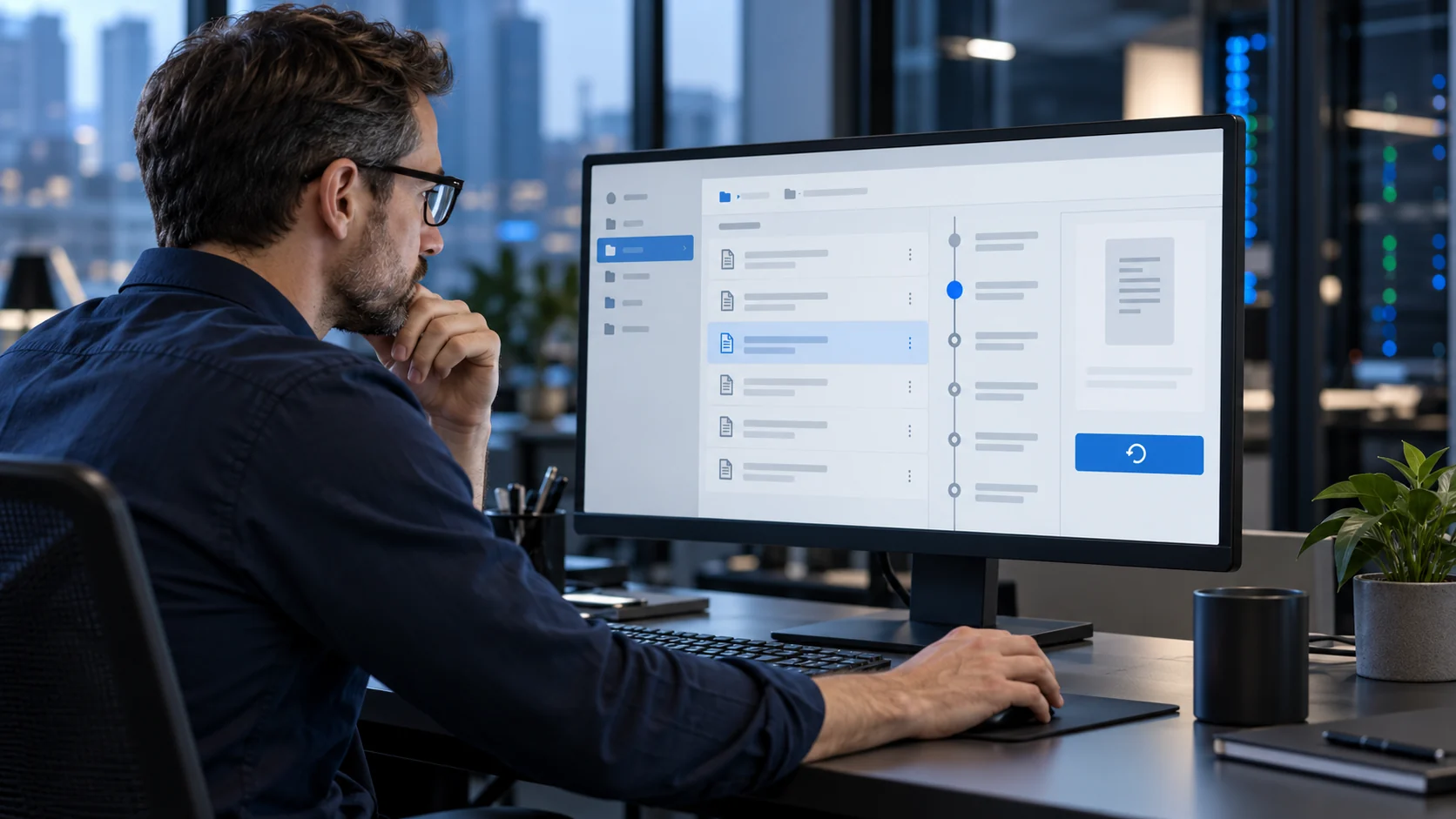
In-file delta
After the initial save, back up only the changes as files are updated, avoiding large-scale backups that consume unnecessary bandwidth.

Onsite backup
Keep an additional local copy on storage devices such as DVDs, CDs or hard disks when your recovery plan calls for onsite availability.
Data retention policies
Tailor what is stored and for how long around your organization’s legal, operational and business requirements.
Compressed data and transfers
Compress data so large files can be sent remotely more efficiently and with less transfer overhead.
Continuous data protection
Monitor and record changes, updated versions and revisions so a saved copy remains available even if a hard drive crashes.
Scheduling
Define the time between automatic backups and let the software run according to the needs of each user or system.
Email reporting and retention control
Receive reports for successful, missed and failed backups, and choose how many versions of a file to retain over different time intervals.
Broad compatibility
Support Windows, Novell, macOS and Linux, with compatibility for VMware, Microsoft Exchange and database servers.

A useful next step
Backup & Recovery that fits the way you work.
Keep backup and recovery at the centre of your IT planning with software that supports Windows, Novell, macOS and Linux, with compatibility for VMware, Microsoft Exchange and database servers. We start with the people, systems and priorities behind the requirement. Then we explain the options, dependencies and next steps in plain language, so you can make a confident decision.
- Understand the current environment
- Prioritize what matters most
- Agree scope before implementation
Built around your needs
Clarity before complexity.
Start with your goals and your current environment. Then agree a service scope that makes sense for your business.
- Encrypted, monitored copies of important business data
- Recovery options across common operating systems and servers
- Retention and scheduling policies aligned to business needs
Is this the right next step?
Start with the requirement, not a package.
These are the areas we can explore together for Backup & Recovery:
- Client-controlled encryption
- Version-aware recovery
- Recovery windows and bandwidth control
A focused conversation
Bring your current setup and priorities.
We will help you identify what matters now, what can wait and what a sensible next step could look like.
Your questions, answered
Before we get started.
Is cloud backup the same as file sharing?
No. File sharing supports collaboration, while backup is designed to restore data. Yottability can help define how the two should work together.
Can backup be scheduled and reported?
Yes. Scheduling can follow your operating needs, with email reporting for successful, missed and failed backups.
How are retention policies handled?
Retention can be tailored to the legal and business needs of your organization, including how many versions to keep and for how long.
What you can expect
Practical support, clearly explained.
Every engagement starts with the context behind the requirement and ends with a next step you can understand.
01
Clear scope
We explain the work, dependencies and decisions before implementation begins.
02
One conversation
Bring support, cloud, security, web and communications questions to one team.
03
Useful next steps
Leave each conversation with priorities, ownership and a practical way forward.
Let’s move your business forward.
Tell us what you need. We’ll help you find the right next step.
Technology that works for you.
A partner for what comes next.
Here to help
Client support
Remote assistance
E911 request
⌂ 22311 Ventura Blvd #124
Woodland Hills, CA 91367
◷ Mon–Thu, 9:30am–5:30pm